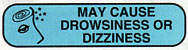
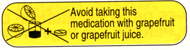
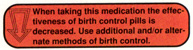
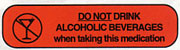
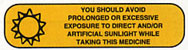
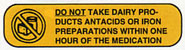
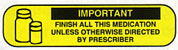
Use Micromedex >> Patient Education >> Medication Counseling to determine appropriate auxiliary labels for each of the following oral medications. Click on each drug name to be linked directly to the Micromedex page for that drug.
Review the information in Micromedex and select appropriate auxiliary labels.
Choose only from the auxiliary labels given below.
Choose labels by selecting them from the drop-down menu. Selections are based on the column (A, B or C) and then row (1-5). The order in which the auxiliary labels are choosen does not matter.
When you have finished selecting all auxiliary labels for a drug click the "Check Answers" button.
If the grade box changes from "Ungraded" to "CORRECT" you may proceed to the next drug.
If the grade box changes to "ERROR" then one or more labels must be corrected before proceeding. After making all necessary changes, click "Check Answers" as before.
When all of the answers for all 6 drugs display "CORRECT" you may print a certificate of completion by clicking the button at the bottom of the page.